

Made for night feeds
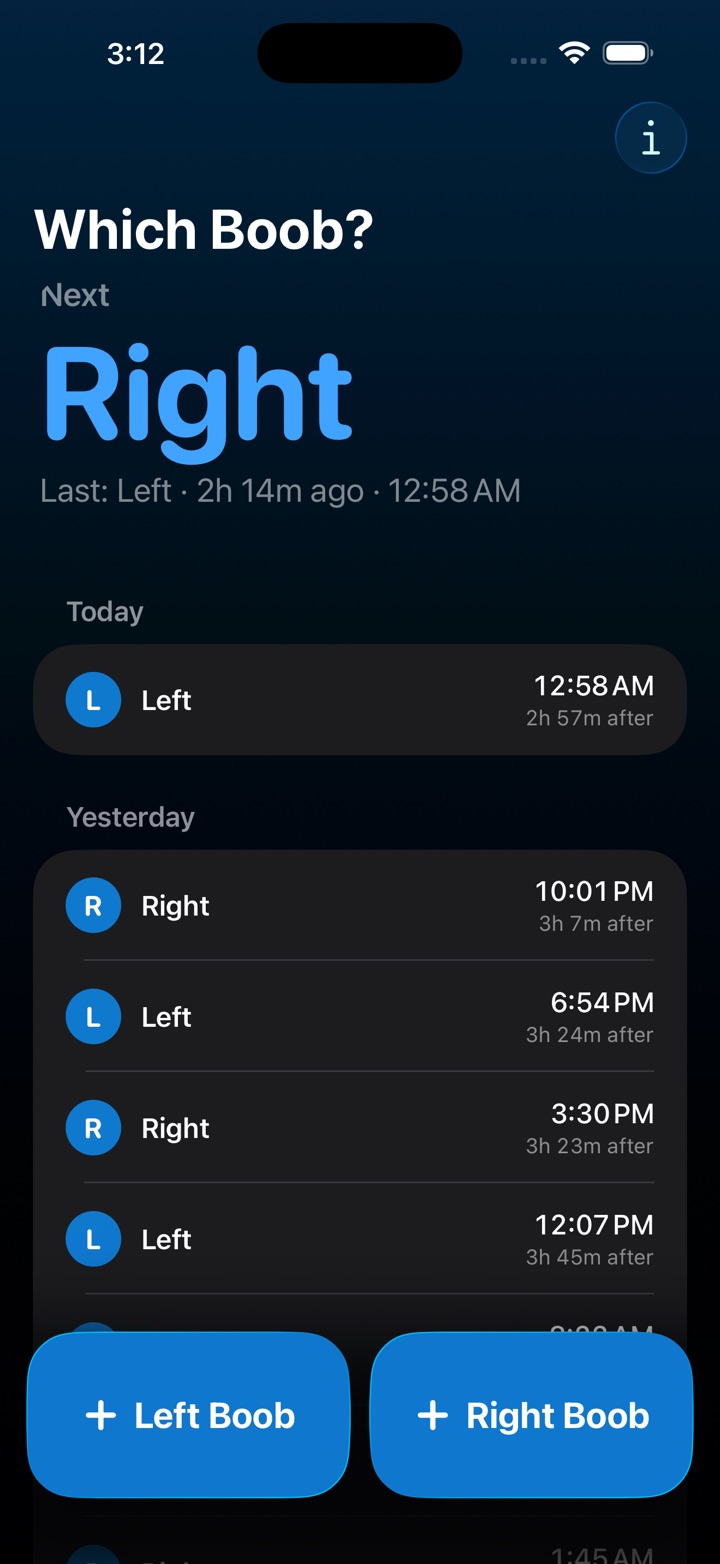
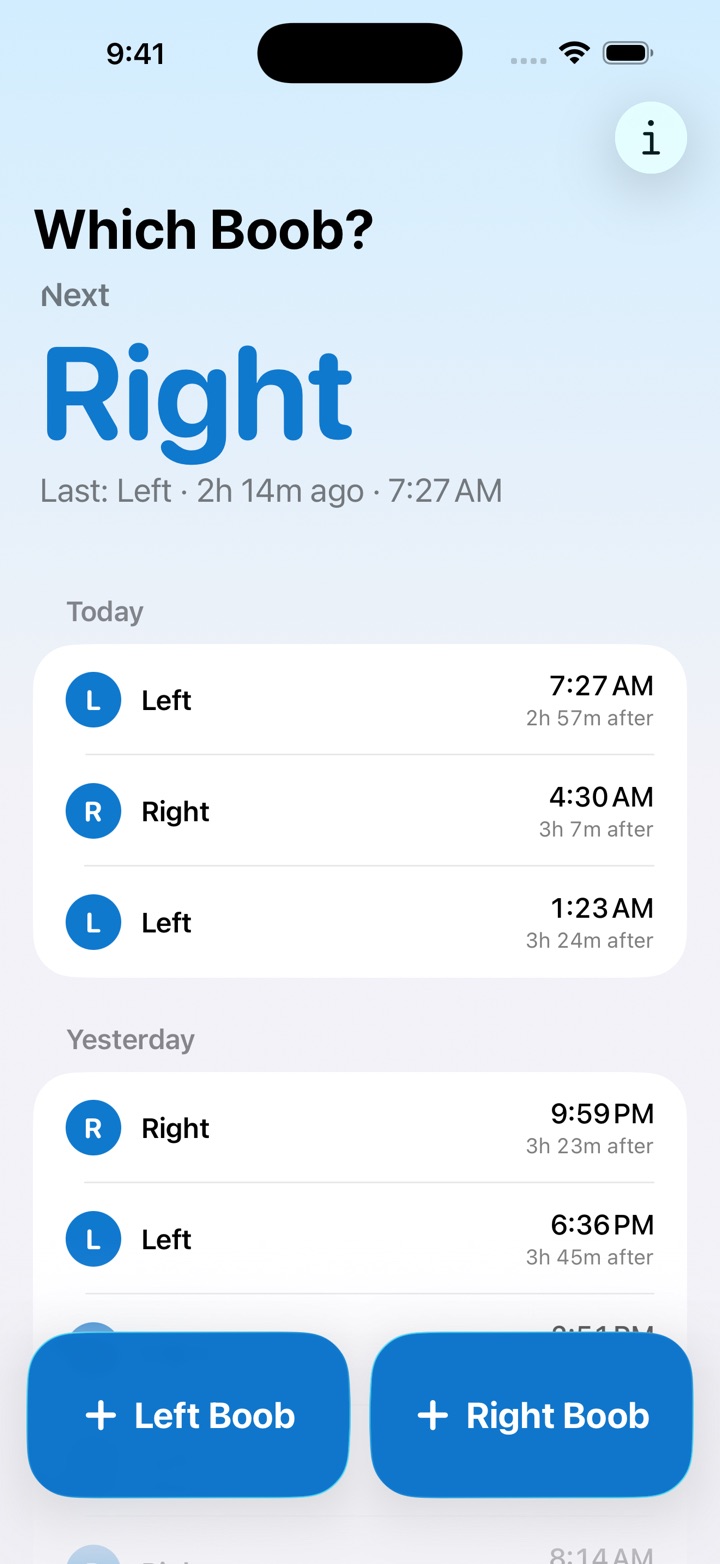
- Big buttons that are easy to hit in the dark, with the side that's probably next already picked out
- How long it's been since the last feed, always counting
- Undo for the 3am mis-tap, and an easy fix for a feed logged on the wrong side or at the wrong time
Log a feed without opening the app
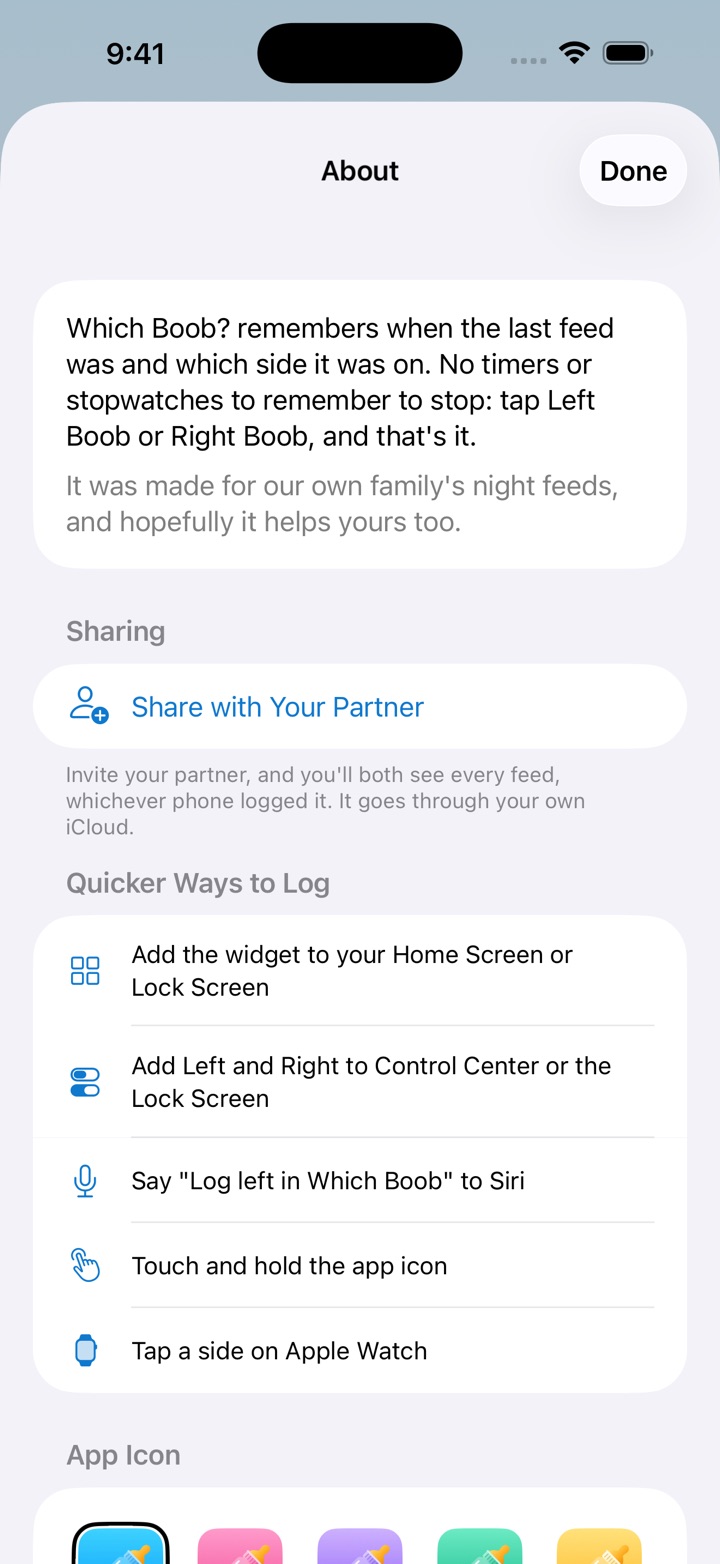
- Home Screen and StandBy widgets with Left and Right buttons
- Lock Screen widgets showing the last side and how long ago
- Left and Right controls for Control Center, the Lock Screen and the Action button
- Siri: “Log left in Which Boob” or “Which side is next in Which Boob”
- Touch and hold the app icon
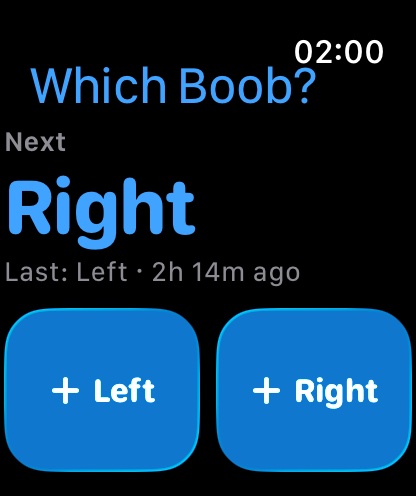
Apple Watch
- Tap a side on your wrist when both hands are full
- Complications show the last side and how long ago
Share with your partner
- Invite your partner through iCloud and you'll both see every feed, whichever phone logged it
Pick a colour
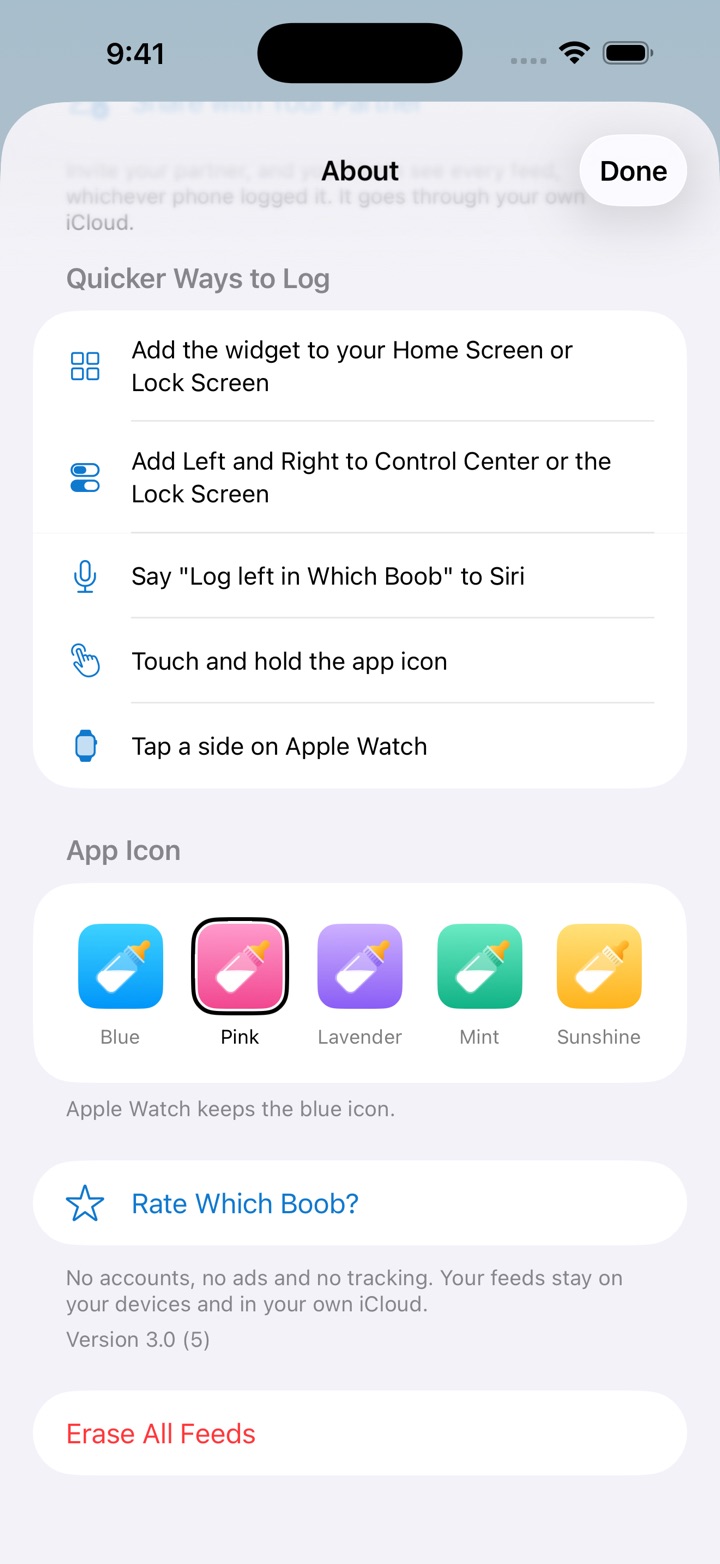
- The app icon comes in blue, pink, lavender, mint or sunshine
No accounts, no ads and no tracking. Your feeds stay on your devices and in your own iCloud.
Made for our own family's night feeds, and hopefully it helps yours too.
Questions
Is there an app that remembers which side I breastfed on last?
Yes, that's what Which Boob? is for. Tap Left Boob or Right Boob when you start a feed, and the big word at the top changes to the side for next time. Under it, it says which side the last feed was on and how long ago.
Is Which Boob? free?
Yes. Which Boob? is free on the App Store, with no ads, no in-app purchases and no account to make.
Does Which Boob? have a feeding timer?
No, on purpose. There's no timer to start, and none to forget to stop. It remembers when you tapped, and counts how long it's been since.
Can I log a breastfeeding feed without opening the app?
Yes. Add the Left and Right controls to Control Center or the Lock Screen, or put one on the Action button. There are also Home Screen and StandBy widgets with Left and Right buttons, Siri, and the menu you get by touching and holding the app icon.
Can I track breastfeeding on Apple Watch?
Yes. The Apple Watch app has Left and Right buttons, so you can log a feed when both hands are full, and its complications show the last side and how long ago on your watch face. It comes with the iPhone app and keeps in step with it.
Can my partner see the feeds too?
Yes. Tap the info button, then Share with Your Partner, and send the invitation. Once your partner joins, you both see every feed, whichever phone logged it. You each need Which Boob? and your own Apple Account signed in to iCloud. It goes through your own iCloud, not through us.
Can I ask Siri which side is next?
Yes. Ask "Which side is next in Which Boob" to hear the answer, or say "Log left in Which Boob" or "Log the right side in Which Boob" to log a feed.
Does Which Boob? track bottles, pumping, nappies or sleep?
No. It only logs which side you fed on and when, so the next side is always one tap away. If you'd like bottles, pumping, nappies or sleep in the same place, a fuller baby tracker will suit you better.
Is my breastfeeding data private?
Yes. Which Boob? has no accounts, ads, analytics or third-party code. Your feeds stay on your devices and in your own iCloud, and nobody else sees them unless you share them with your partner.
I'm updating from the old version. Will I lose my feeds?
No. Version 3.0 brings over the feeds the previous version saved, the first time it opens. It also has no ads for anyone, so if you bought Remove Ads, there's nothing more to do.
Where can I see what's new in 3.0?
Open Which Boob? 3.0.1 or later and tap the info button, then What's New. It lists the widgets, Control Center, Siri, Apple Watch, partner sharing and icon colours that came with 3.0. If your feeds came over from the old version, it also opens by itself the first time.
Which devices does Which Boob? work on?
iPhone with iOS 18 or later, and Apple Watch with watchOS 11 or later. It also runs on iPad, as an iPhone app.
Guides
- How to log a breastfeeding feed without opening the app With Which Boob?, log a feed on the left or right side from Control Center, the Lock Screen, the Action button, a Home Screen widget or Siri, without opening the app.
- How to track breastfeeding on Apple Watch Log which side you fed on from your wrist when both hands are full, and see the last side on your watch face, with Which Boob? for Apple Watch.
- How to share breastfeeding feeds with your partner With Which Boob?, invite your partner so you both see every feed, whichever phone logged it. It goes through your own iCloud, with no account to make.